
Showing posts with label screencasting. Show all posts
Showing posts with label screencasting. Show all posts
2016-01-01
Screencast Recording on Linux
Tagged as ...
ffmpeg,
Kdenlive,
screencasting,
video tech,
vokoscreen

2015-12-25
E-Paper for Screencasting ... Sort Of
 |
| Real e-paper ;) |
Tagged as ...
Kdenlive,
paper,
post production,
screencasting,
textures
2015-12-11
3x Speedup Transcode Job for Kdenlive

Tagged as ...
ffmpeg,
Kdenlive,
screencasting,
video tech
2015-11-29
Fast Forward ... Using Ffmpeg

Tagged as ...
ffmpeg,
Kdenlive,
screencasting,
video tech
2015-11-28
Shuttle Crash: X11 & Qt 5.4

Tagged as ...
Contour,
jog dial,
Kdenlive,
Kubuntu,
multimedia controller,
Qt,
screencasting,
ShuttlePRO v2,
Ubuntu,
video tech
2015-10-23
Audio Post in Audacity for better Screencasts
 |
| Screencasting: audio works... |
Tagged as ...
Audacity,
audio tech,
screencasting
2015-10-10
One Year on the Surface: Screencasting Resume

Tagged as ...
screencasting,
Surface Pro 3,
video tech
2015-09-11
Recording Screencasts for Technology Training

The HDMI recorder records raw screencast footage as H.264. I next do the voice over recording completely separately from the screen recording. I'm doing the audio recording in Audacity. My audio equipment consists of an analog Shure quality voice microphone connected to a Behringer QX1202USB mixer that doubles as a quality USB soundcard. Please, no USB podcaster microphones: they're ridiculous expensive, are often of questionable quality, and they often can't be used with a separate post. After the voice recording session I apply noise reduction and level normalization.
Raw screencast footage then gets edited in Kdenlive according to the voice over audio. That is, scenes of stepwise appearing illustrations with intermediate stills. One reason for this offline voice over recording is that I find it difficult to keep a good speaking performance while having to correctly draw illustrations at the same time. Doing it simultaneously heavily sucks, both in illustrative quality and voice.
There's even another benefit of doing video and voice separately. I can easily add in video footage later in case I recognize the need for it during voice recording. And I can also easily edit out voice sections when the overall projects turns out to get too long.
Tagged as ...
Audacity,
HDMI,
Kdenlive,
recorder,
screencasting
2015-07-19
Quest for Screencasting Tools
Tagged as ...
Hauppauge,
HD PVR rocket,
HDMI,
recorder,
screencasting,
video tech
2015-07-07
Wireless Diva
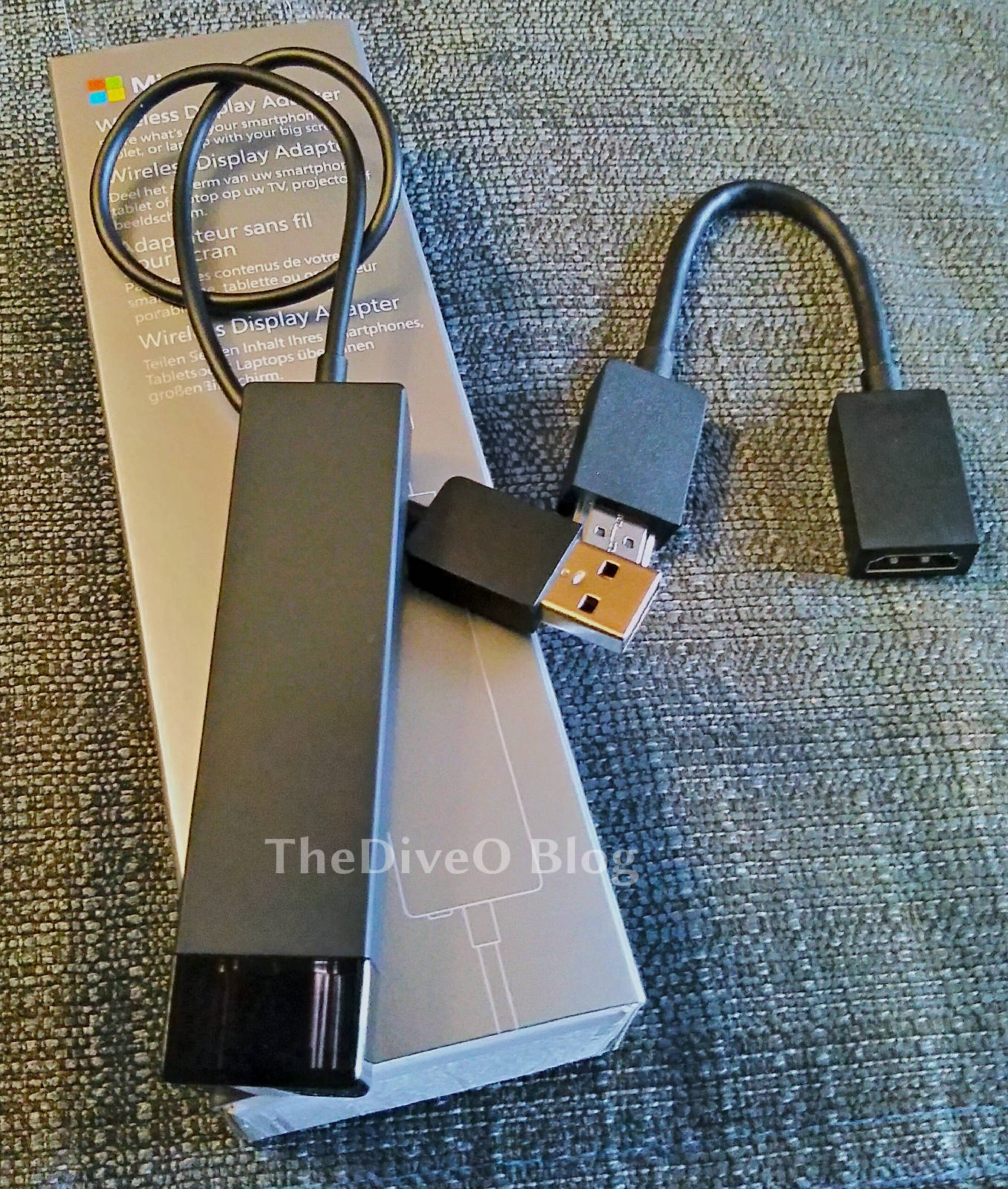 |
| Microsoft diva(tm) |
Tagged as ...
Microsoft,
miracast,
screencasting,
video tech,
wireless display
Subscribe to:
Posts (Atom)