2016-04-11

New PPAs for Kdenlive on (*)ubuntu

For those on (*)ubuntu-based systems, three new PPAs maintained by the Kdenlive project offer quick access to the most recent stable Kdenlive, as well as to the next upcoming stable version and the current development version. Very importantly, these PPAs also come with corresponding MLT, ffmpeg, and frei0r packages. In particular, some recent Kdenlive features will only work with very recent MLT packages.
  • kdenlive-stable: the most recent offical stable release. For production use.
  • kdenlive-testing: the feature-frozen upcoming Kdenlive stable release. If you run into problems with the current stable, try this if a fix is already available. Also, this gives you early access to bug fixes in advance of the next stable release. May be used with great caution also for production, especially within a bug-fixing release cycle, such as version 16.04 to 16.04.3.
  • kdenlive-master: bleading-edge Kdenlive from git master. Contains new features, fixes, and probably also bugs.
Please note that the ffmpeg package in these repositories is restricted due to licensing restriction. It thus lacks some video and audio encoders.

2016-04-10

Kdenlive UI: Keyframe Interpolation -- Odds and Ends

The upcoming Kdenlive 16.04 will feature enhanced keyframe editing. Kdenlive finally unlocks the multiple keyframe interpolation modes that were, until now, deeply hidden in its MLT engine so far...

2016-04-06

Kdenlive UI: Black is Beautiful -- Odds and Ends

Some seemingly small features may be actual workflow boosters ... but black is actually more than simply beautiful...

2016-04-01

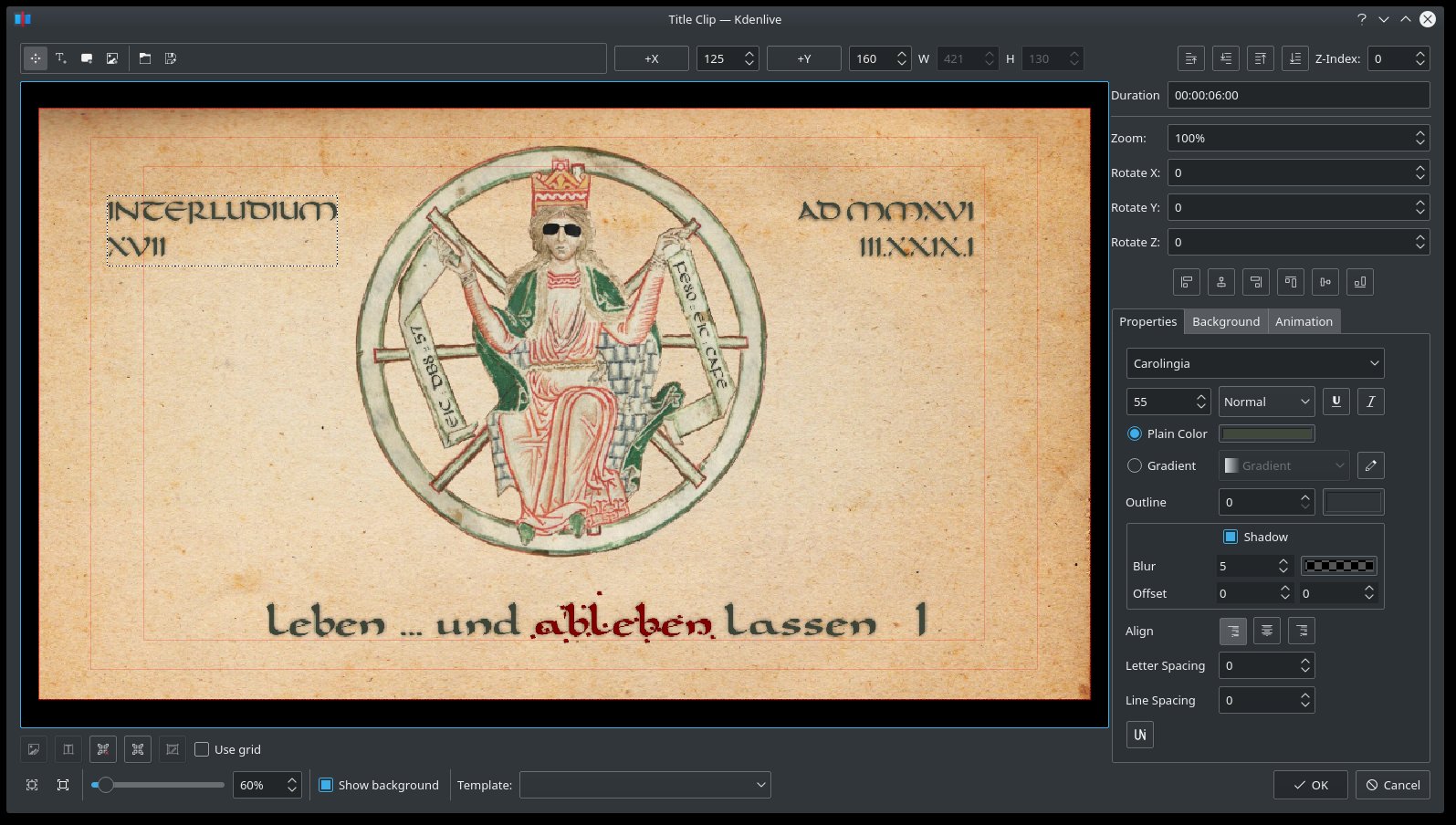
Kdenlive UI: Title Editor -- Odds and Ends

Recently, some nice upgrades to Kdenlive's title editor (so-called titler) have landed in the soon-to-be released stable 16.04 version. So what are we to expect from the titler editor feature improvements...?

2016-03-26

Kdenlive Transitions: 3 Things in 1 -- Odds and Ends

Kdenlive's video transitions are a little bit of a misnomer, at least if the term «transition» is taken literally. This can cause some confusion, especially for Kdenlive newcomers. Kdenlive (by means of borrowing MLT terminology) puts three different things under the same «transition» umbrella...

2016-03-07

Kdenlive UI: JogShuttle -- Odds and Ends

This is another example of the small polish happening here and there all over Kdenlive's user interface: the Configure Kdenlive dialog got a proper jogshuttle section icon. The previous mouse icon was simply too misleading, so I drew up the new icon as a good exercise in Breeze icon design.

2016-03-06

Kdenlive UI: Copy & Paste Between Projects -- Odds and Ends

One of the most important new features in Kdenlive is copy & paste between projects. But instead of a forgetful clipboard, Kdenlive gives use its new library to permanently remember all your best timeline stuff...

Kdenlive UI: Split View -- Odds and Ends

Kdenlive's split view mode allows to split the clip monitor in half: left half with effects applied, right half without effects. Recently, this feature has finally  arrived in the project monitor and improves Kdenlive's workflow significantly...

2016-03-05

Kdenlive UI: Project Bin -- Odds and Ends

Recently, Kdenlive's project tree has been revamped into the project bin. Luckily, there's more to it than just a minor name change...

Kdenlive UI: Transparent Tracks -- Odds and Ends

An important new feature of Kdenlive are transparent tracks. This feature is directly aimed at newcomers of Kdenlive, but may also please some old hands.

Kdenlive UI: New Lift/Gamma/Gain UI -- Odds and Ends

As part of the ongoing Kdenlive user interface polish, the Lift/Gamma/Gain effect got its own beautiful user interface. No more boring sliders and numeric input boxes, but colors galore!

Kdenlive UI: Effects & Transitions -- Odds and Ends

As part of the ongoing developer efforts to polish the Kdenlive user experience, the existing separate Effects Parameters and Transition Parameters panes were unified, while the lists of effects and transitions were separated...

Kdenlive UI: Monitors -- Odds and Ends

It's good to see Kdenlive development polishing more and more user interface elements. This makes using Kdenlive easier to both new-comers as well as old hands. Lately, the project and clip monitors got some UI polish.

Kdenlive UI: Red Sound -- Odds and Ends

It's good to see Kdenlive development polishing even on seemingly small, yet useful user interface details. An example of such are the mute audio state icons in Kdenlive's timeline: what do you think does a red speaker icon signify?

Kdenlive UI: Track (Un)Locked -- Odds and Ends

It's good to see Kdenlive development proceeding, even on small details, as improved icons for the user interface of Kdenlive. This is only possible because  the Kdenlive developers kindly and quickly integrate user contributions with some level of consensus. A good example of such seemingly small UI improvements are the track lock icons in the timeline. «...so what could be wrong with a lock icon?» you may ask.